When using Claude, Schema MCP tools may stop responding or return errors.
Cause: MCP connections in Claude.ai can go stale. If the session sits idle or there’s a hiccup on either end, the connection drops silently. This is a known rough edge with SSE-based MCP servers.
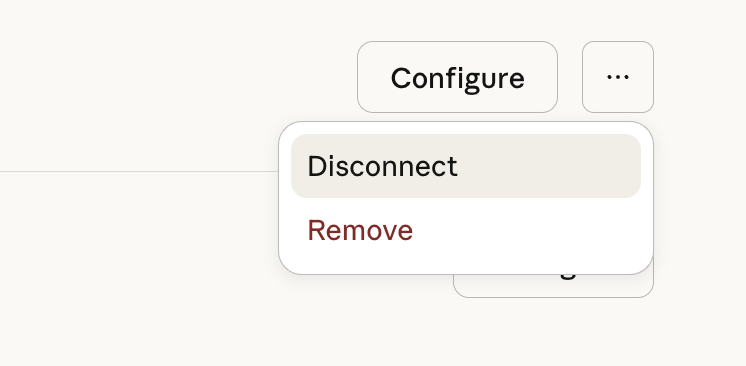
Fix: Disconnect and reconnect the SchemaWP MCP server in Claude.ai.
In Claude go to Settings > Connectors and disconnect / reconnect the Connector. Reconnecting re-establishes the auth handshake with your WordPress endpoint.