If you’re investing time and resources in design within your ACSS workflow, you’re probably familiar with the slow drift and disconnect between your Figma file and your live ACSS setup.
With Schema, we’re working on a process where you can achieve baseline consistency between these 2 different contexts, with the help of an AI agent.
The setup
We’re working on an InstaWP demo site where we only have ACSS 4.0, EtchWP, and SchemaWP. Schema exposes the ACSS config to our AI agent, allowing it to perform push and pull actions. We also need a Dev Seat for Figma, in order to make use of some Figma MCP tools.
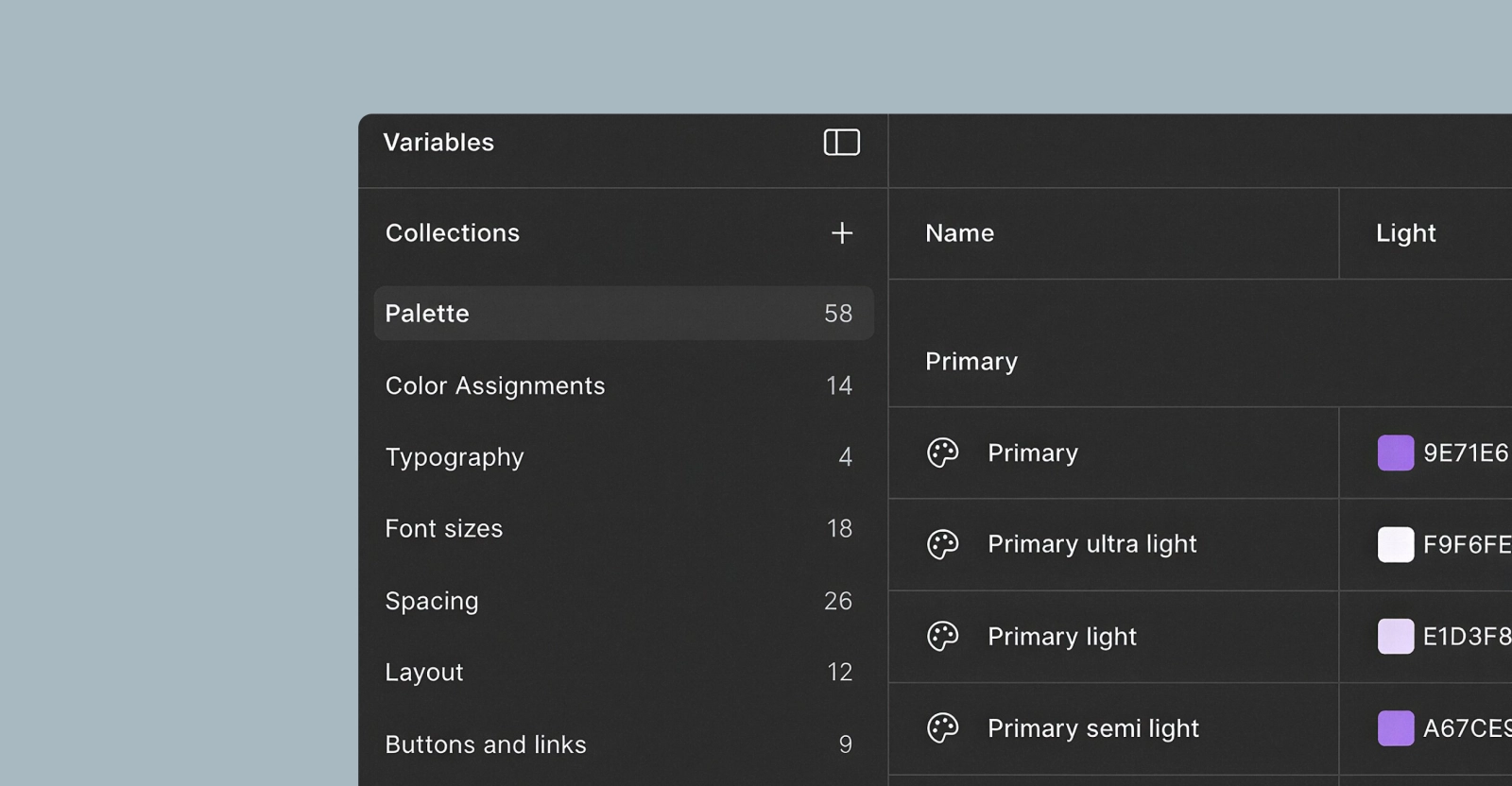
Finally, in Figma, we’re working with a standardized template that’s included with SchemaWP for users. That template includes a variable architecture where each variable maps to a corresponding ACSS key. And to reduce the chance of mistakes, each variable also has the web syntax field pre-populated with the actual ACSS variable name.
How it works
In Claude (our agent in this example), we ask it to extract any ACSS styles. The agent consumes the Figma variable architecture and, using specific skills, maps the variables to ACSS keys. Then, after your approval, it patches these keys to your ACSS setup.
Now let’s see this in practice.
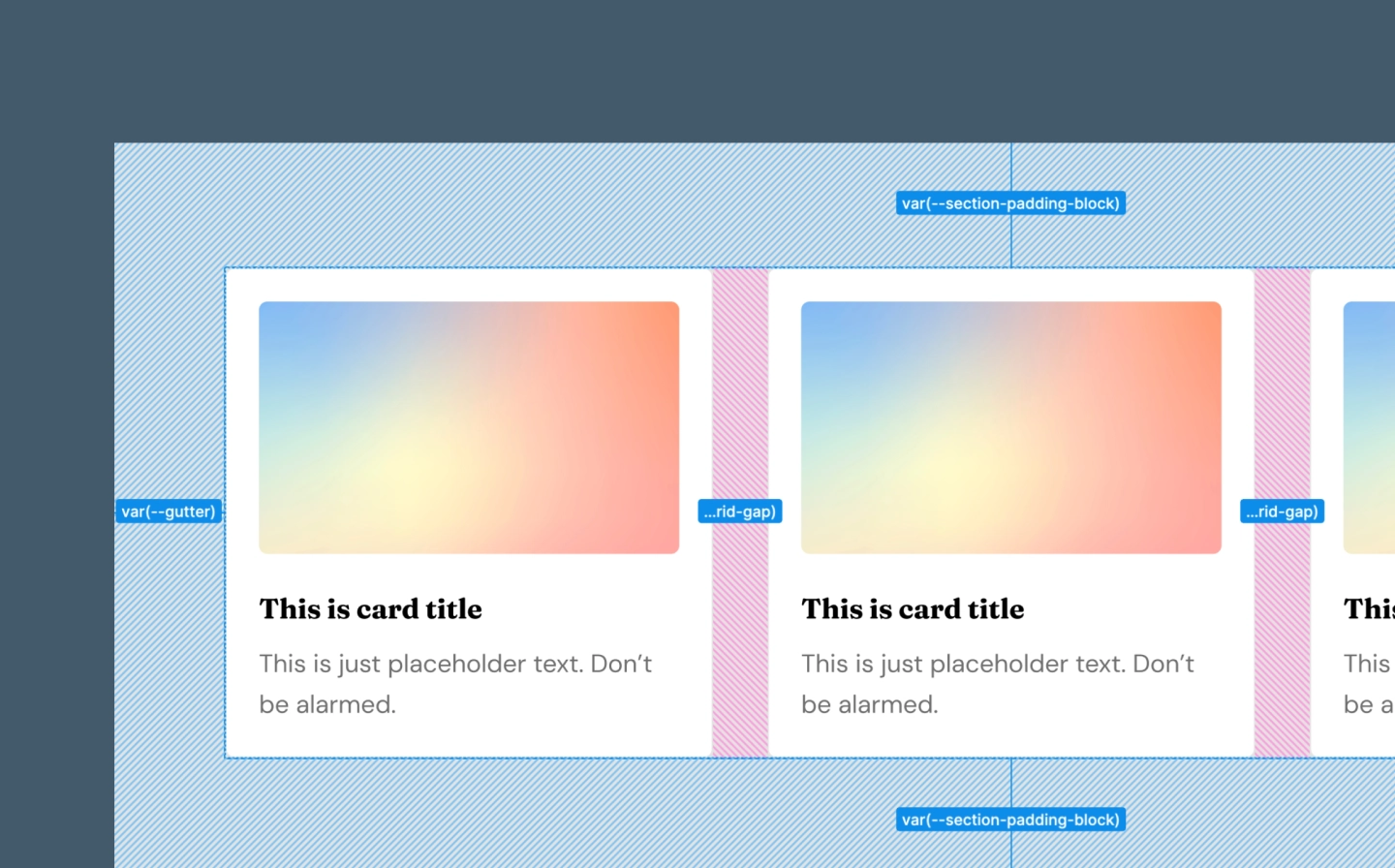
On the live site, I already have a couple of basic sections built with EtchWP and styled using ACSS variables. In Figma, I have a similar layout but with different styles. The objective is to migrate those styles to my live setup.
Prompting the agent
First, I bring the agent into the Schema context and ask it to fetch the ACSS config from the live site. This way it can get a general idea of what styles my website is using. It responds with a summary of my current ACSS styles.
Then I ask it to extract the ACSS styles from my Figma file, provide the link, and show me a table of the mappings to the ACSS keys:
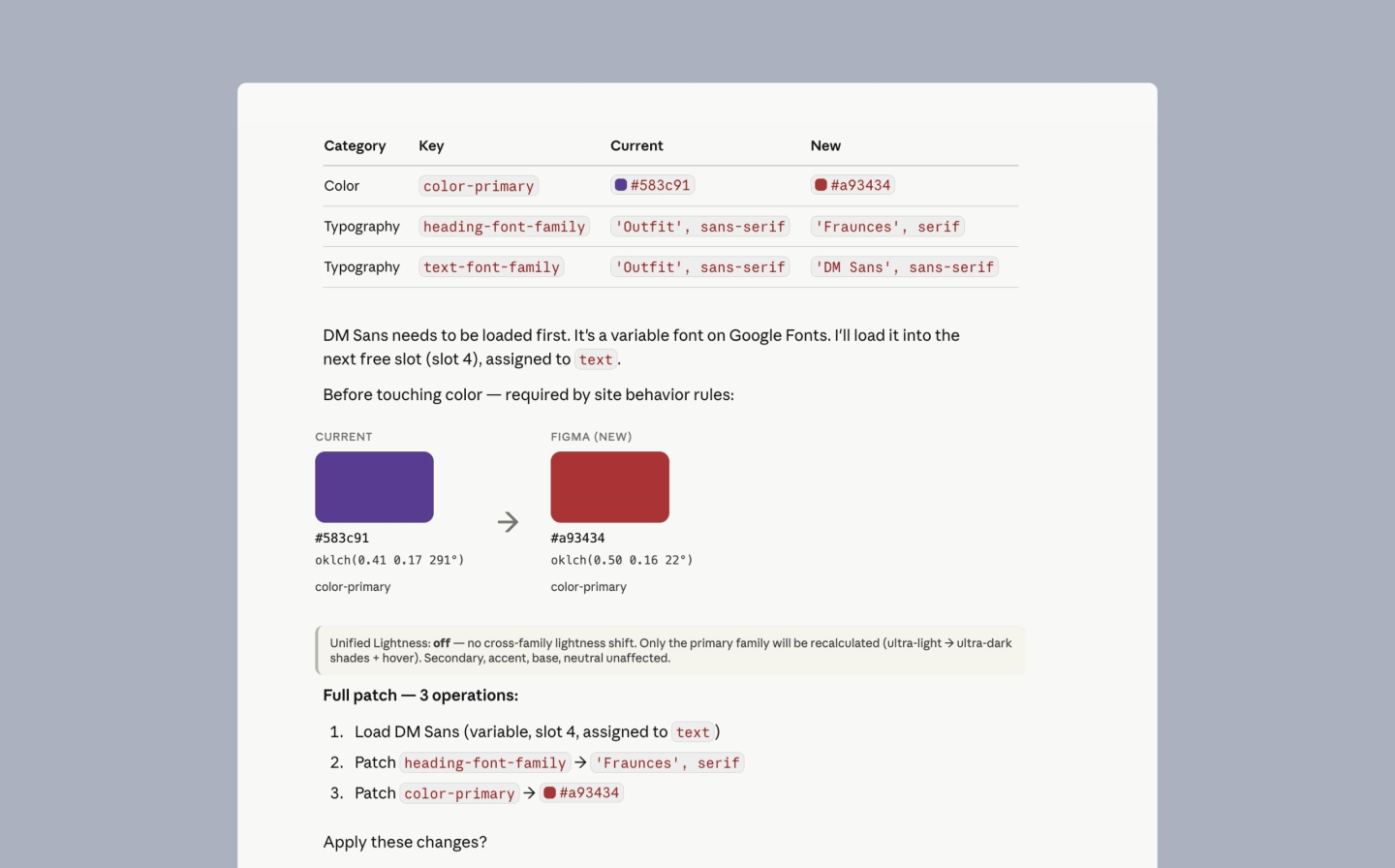
“Use the Figma inference skill to extract the ACSS variables from my Figma file. Here is the link: https://www.figma.com/design/Jc7…
Claude comes back with a list of extracted variables, and maps each one to its corresponding ACSS key.
If I have concerns, I bring them up in chat before pushing anything live.
Then we patch the changes.
And that’s basically the workflow: keeping styles in sync between a Figma file and a live ACSS setup, with Schema acting as the bridge.
Quick disclaimer
This process still has some rough edges, and it’s evolving quickly. The set of variable keys that can be extracted from Figma is intentionally limited for now. Color conversion from Figma’s HSL to ACSS OKLCH still has some friction, but we’re working on it. We’ll keep widening the scope as we go.
Get Schema
Schema is in early development and offered at its lowest price ever, with a lifetime deal available. Join the project and help us build something that genuinely improves the ACSS layout-building experience.